
Almost every business now runs on software, whether it is a simple booking calendar or a full ERP system. Choosing well saves money and time; choosing badly locks you into tools nobody uses. This guide explains the main types of business software, how to approach websites and app development, what to know about cloud and IT services, and how to make a digital transformation project actually succeed.
Quick answer: Start from the business problem, not the tool. List the processes you want to improve, shortlist software that integrates with what you already use, run a trial with real users, and plan training and data migration before you buy. For custom builds, start with a minimum viable product (MVP) and grow it based on feedback.
Business software: what you actually need
CRM and ERP
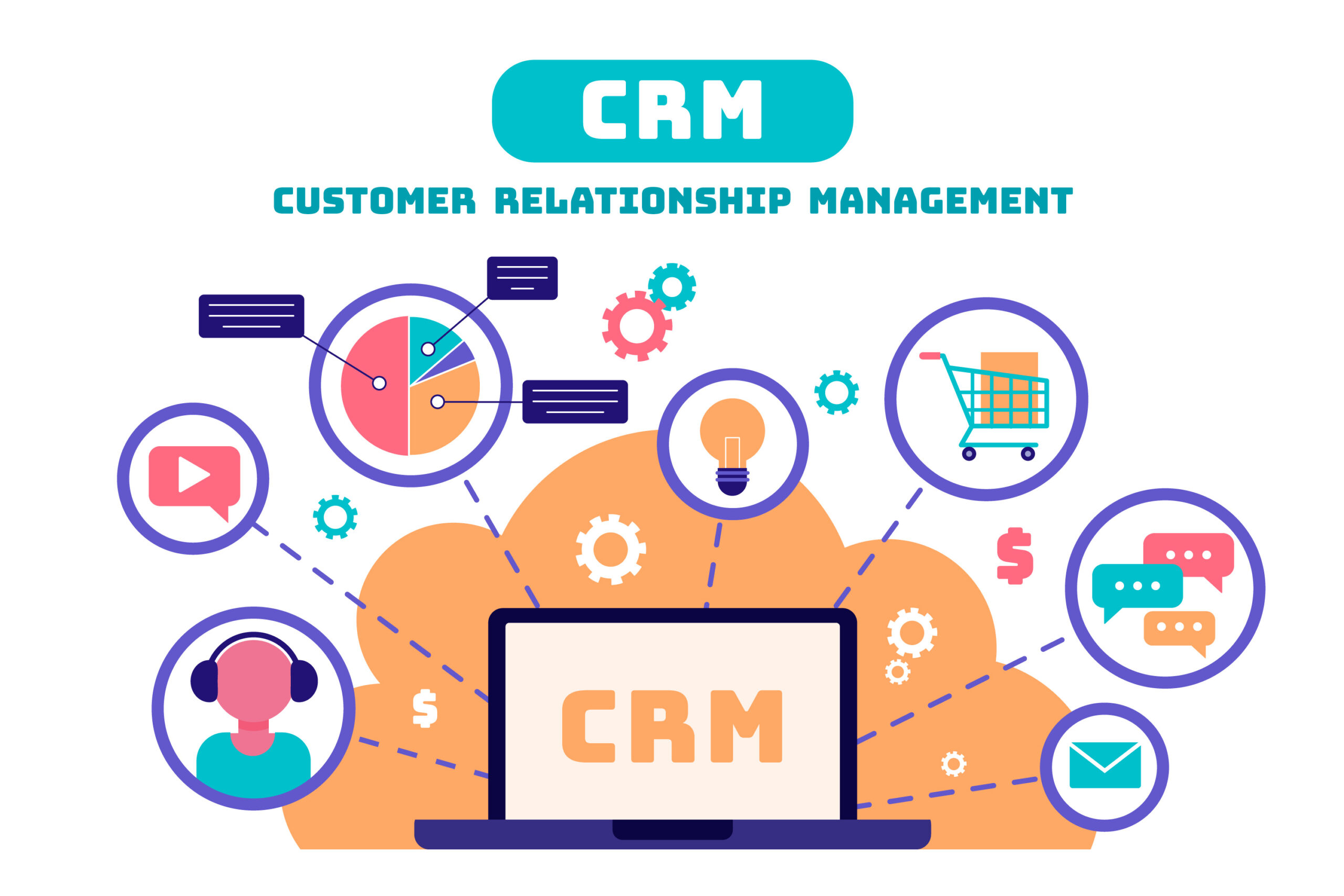
A CRM (customer relationship management) system tracks leads, customers and sales. An ERP (enterprise resource planning) system ties together finance, stock, purchasing and operations. Microsoft Dynamics and Business Central are popular choices for small and mid-sized companies. Read why choose Microsoft Dynamics over other CRMs and how Business Central partners help SMEs.
Everyday productivity and operations tools
- Free schedule calendars and how to use them
- Choosing customer service software
- Contract authoring tools
- Inventory management apps
- What activity logger software does
- Live auction software features
- Auto repair shop software
- Scaling home care software
- Modern business telephone systems
Websites and hosting
Your website is often the first impression a customer has of you. Decide what it must do – inform, sell, book or support – before choosing a platform. WordPress suits most content sites; dedicated e-commerce or booking platforms suit others.
- How to choose a website development provider
- The lifecycle of a website
- What to know before choosing WordPress hosting
- Choosing secure hosting
- Building a simple restaurant website
- WEBP vs PNG images for the web
App and software development
For new products, build a minimum viable product first: the smallest version that solves the core problem. It lets you test demand before investing in every feature. Remote and dedicated developer teams can extend your capacity, but need clear specifications and regular reviews.
- MVP software development explained
- How custom software companies improve processes
- Remote app development
- Hiring dedicated developers
- Unified app and web development
- Adapting global coding practices locally
- Node.js usage trends
Game development and 3D
Engines such as Unity and Godot make game development accessible to small teams. See the best software for developing games, why a skilled Unity developer matters, drawing in Godot with CanvasItem, and 3D character work in Daz Studio.
Cloud, data and IT services
Cloud services reduce up-front hardware costs and make remote work easier, but migrations need planning around data, permissions and training. Managed IT providers can run day-to-day support for businesses without an in-house team.
- Common pitfalls in cloud workflow projects
- Migrating from Dropbox to OneDrive
- Simplifying complex data ecosystems
- Data discovery tools for analytics
- Real-time data in construction estimating
- Choosing a managed IT service provider
- Why IT consultants help digital transformation
- How IT solutions transform operations
- What a mail server is
- Windows Professional for business
Making digital transformation work
Most failed IT projects fail because of people and process, not technology. Involve the people who will use the system, migrate clean data, train properly and measure a few clear outcomes. Read how integrated digital services drive success and why business scaling plans fail.
For artificial intelligence tools, cybersecurity and physical security systems, see our AI and cybersecurity guide.
More articles
- Enhancing Public Safety with Automated Plate Detection Systems
- Cloud Mobile Phone as a Service (CMPaaS): Redefining Testing Infrastructure
- Advanced ChromeDriver Configuration: Performance Optimization and Troubleshooting Guide
- Mastering Web Automation: How to Use iMacros, Burp Suite, and PDF Tools for Seamless Credit Card Input
- The Future of Salon Apps: Innovations on the Horizon
Frequently asked questions
What is the difference between a CRM and an ERP?
A CRM focuses on customers, leads and sales activity. An ERP covers the wider business – finance, inventory, purchasing and operations. Many companies use both, connected to each other.
Should a small business build custom software or buy off the shelf?
Off-the-shelf software is usually cheaper and quicker for common needs. Custom software makes sense when your process is a real competitive advantage or no existing product fits.
What is an MVP in software development?
A minimum viable product is the simplest working version of a product that solves the core problem, released to real users to test demand and gather feedback before further investment.
